


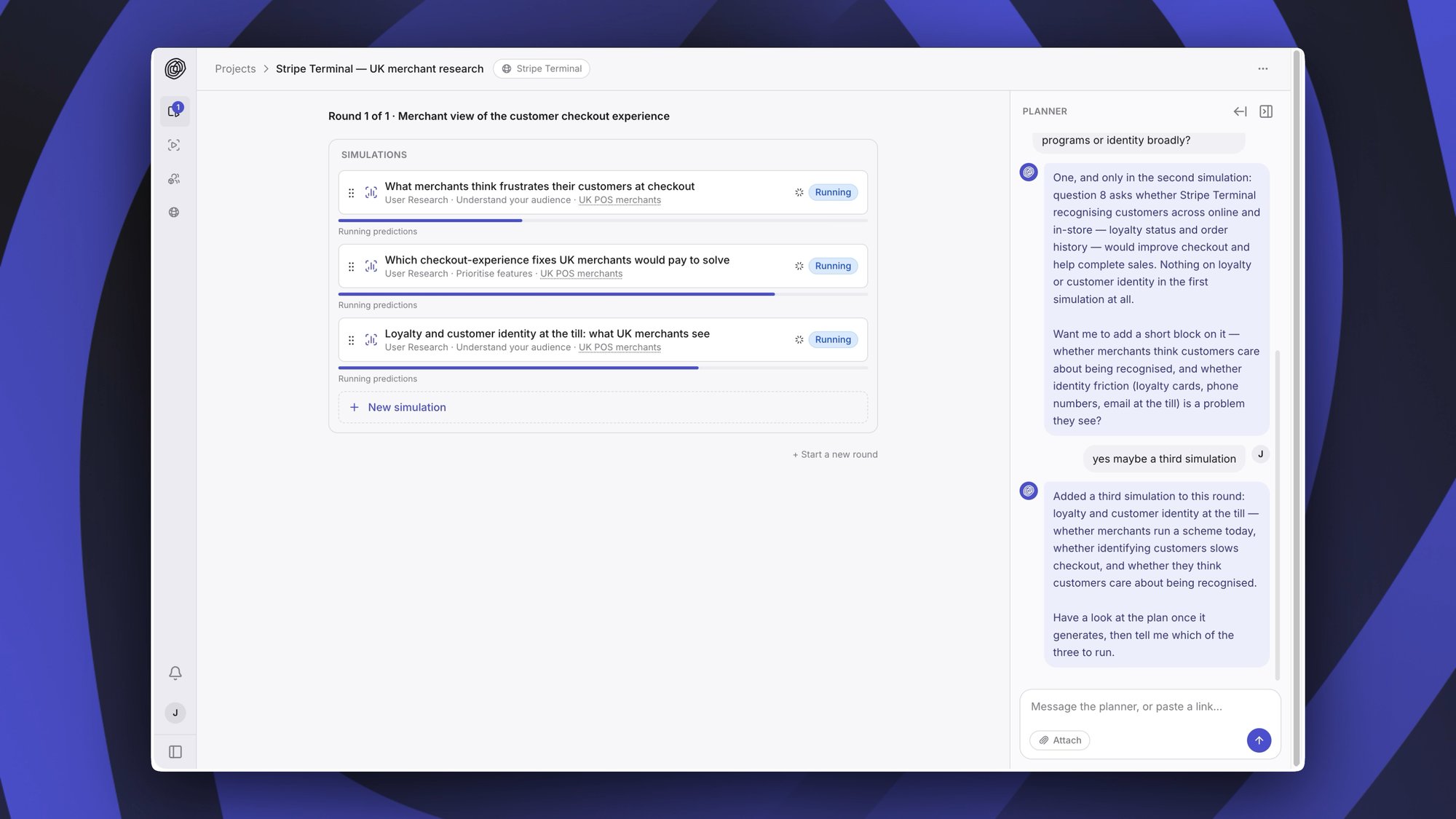
When we launched Semilattice Custom we described user in the loop development: finding out whether something will succeed while you're still working on it, so you can change it when it's still easy and cheap to do so. Projects is what we built to make that the normal way of working.
Describe the work, get a set of simulations
Describe a feature, an update, a campaign, or a tactic you're working on and the agent will construct a set of simulations designed to predict the consequences of shipping it.
It plans more than one, because a decision usually has several consequences worth predicting. Let's take a real one: should we make checkout guest-first? There are several things worth knowing before you commit to that. Which buyers it helps, which it loses, what they compare you to, and where they drop out. The agent splits it up, plans a simulation for each part, and picks the user model to run each one against.
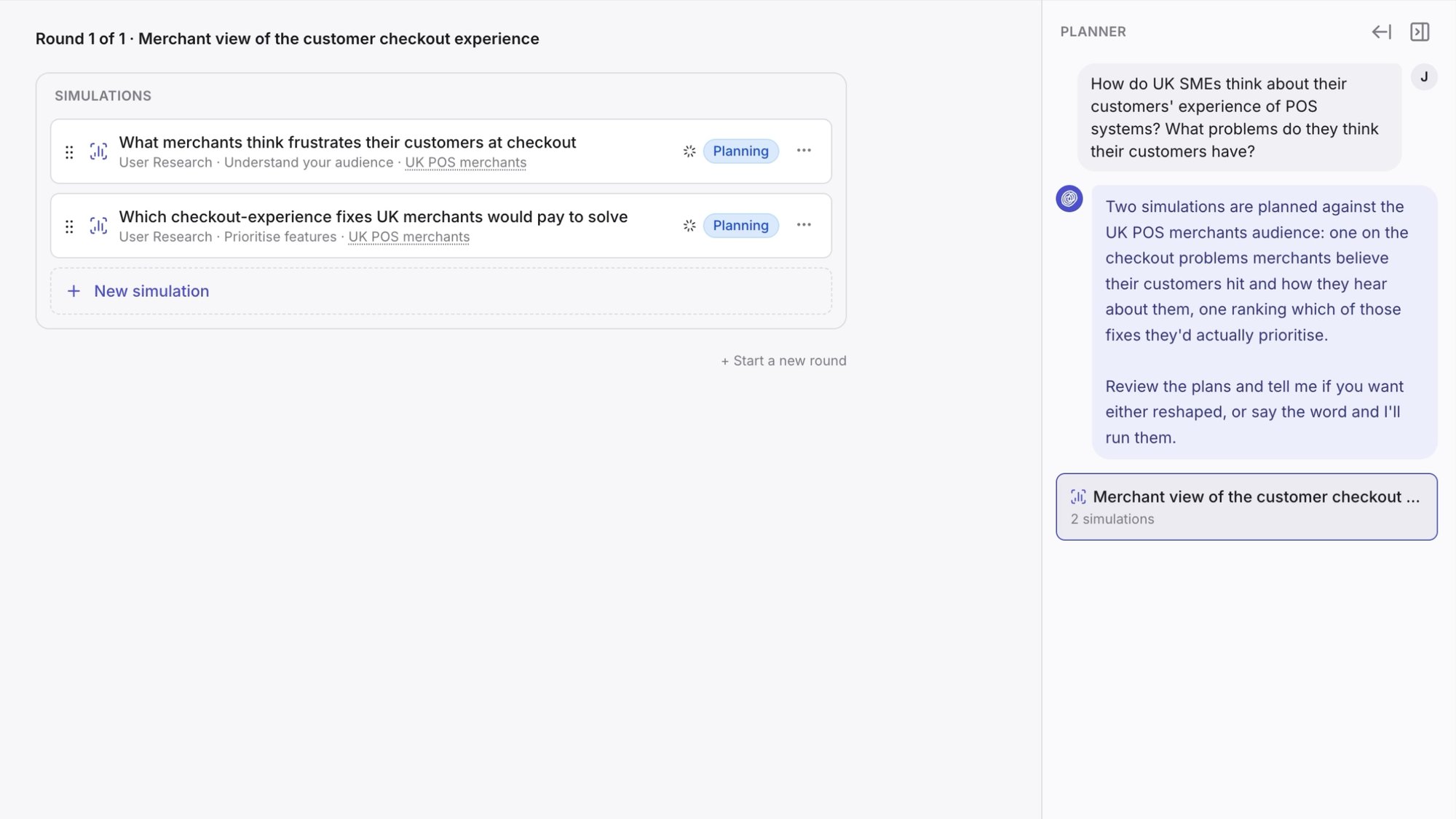
They run at the same time, so you're searching several directions on the same decision at once rather than working through them one after another. Each one can be a user research simulation, where your users answer a set of questions, or a user journey simulation, where they're put through an interface and observed.
You're still the one deciding. Open any simulation and edit it, or tell the agent to change things. Add one, remove one, swap the user model, or reword a question.
Read one synthesis, not ten results
So the simulations run and the results come back. How do you read ten of them together?
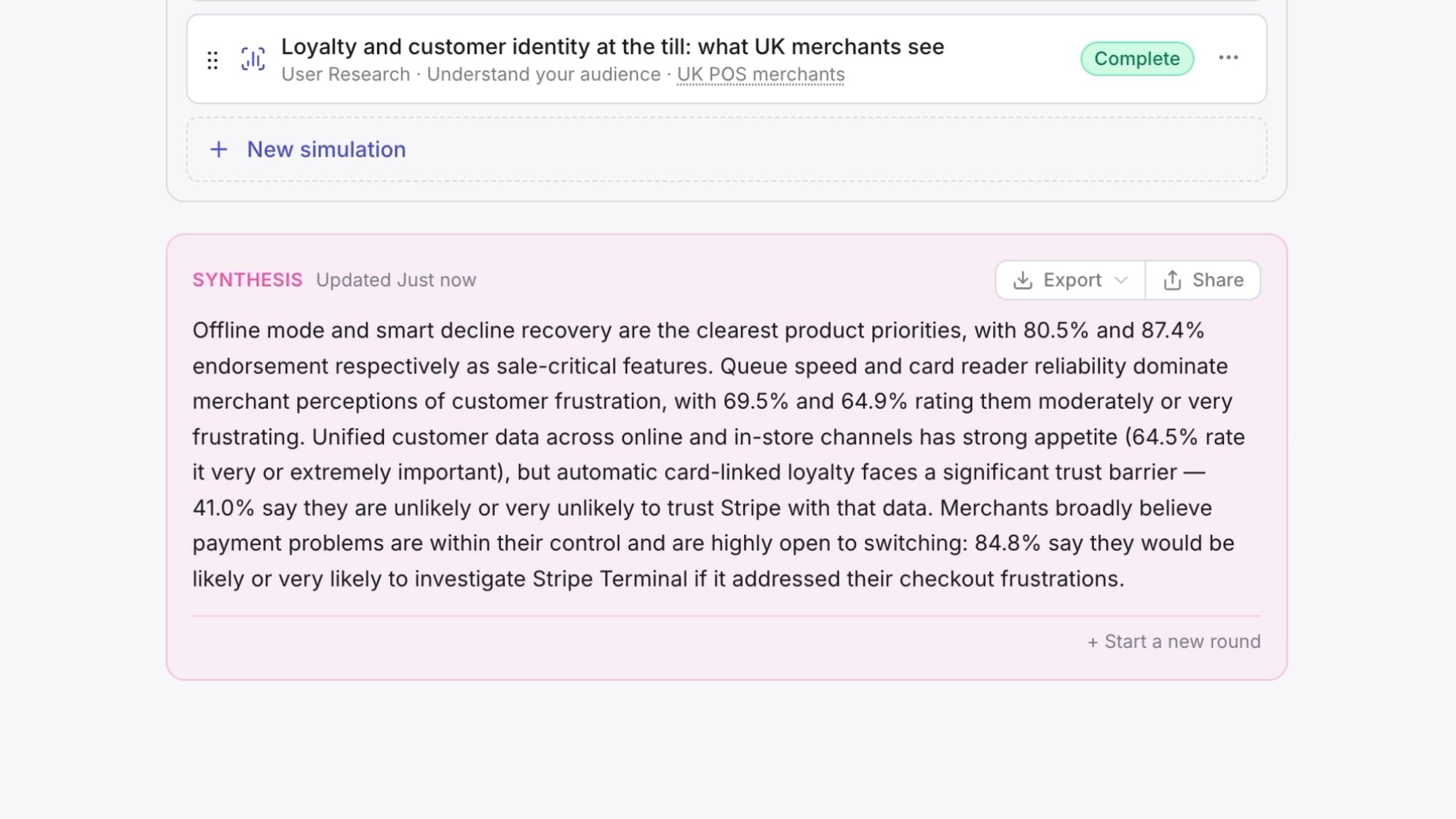
The synthesis does that for you. It reads across every simulation and gives you actionable recommendations backed up by data from your simulated users, including where the simulations disagree and what that means for the change you're considering. Markdown and PDF exports are available for agents or collaborators to action.
Hand over the work itself
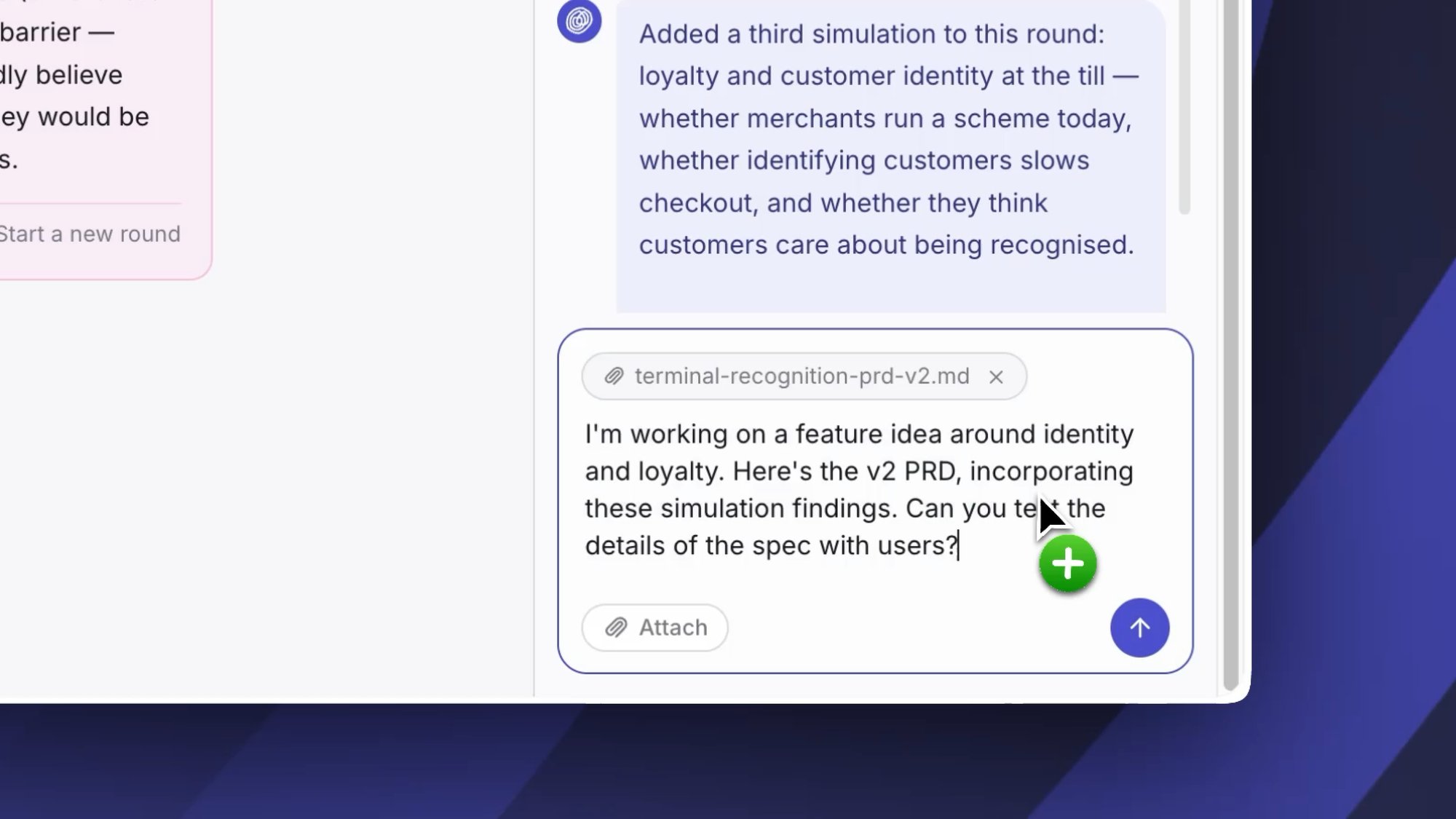
You don't have to write a brief. Upload a PRD, prototype, messaging doc, or any other piece of work and the agent will use that to plan simulations. Paste a URL and it'll read the page. Drop in a staging link and it'll work from what's actually there.
The context it needs is already written down in the work you're doing.
Ask users at every stage
At every layer of detail and every stage of the process, you can check with users.
Early on there's nothing to click. You have a plan, an idea, a PRD, or just a question you haven't answered yet. Describe it or upload it and the agent plans user research simulations, so your users answer questions about the concept, the priorities, and the trade-offs you're weighing.
Once there's something to use, the agent can plan user journey simulations instead. Point it at a Figma prototype, a preview URL, a staging environment, or production, and your simulated users are put through the interface and observed: where they hesitate, what they miss, where they drop out.
Most work moves through both. You explore assumptions and validate concepts while it's still cheap to change direction, then prioritise features and optimise the flow itself once it exists.
Come back with the next round
Work doesn't happen once. You write a version, you learn something, you write the next version.
Projects are organised into rounds to match that. A round holds a set of simulations and the synthesis across them. When you have a new version, or a new question, you start a new round. The old one stays where it is, with its own simulations and its own synthesis, so you can go back and see what you asked and what came back at each stage.
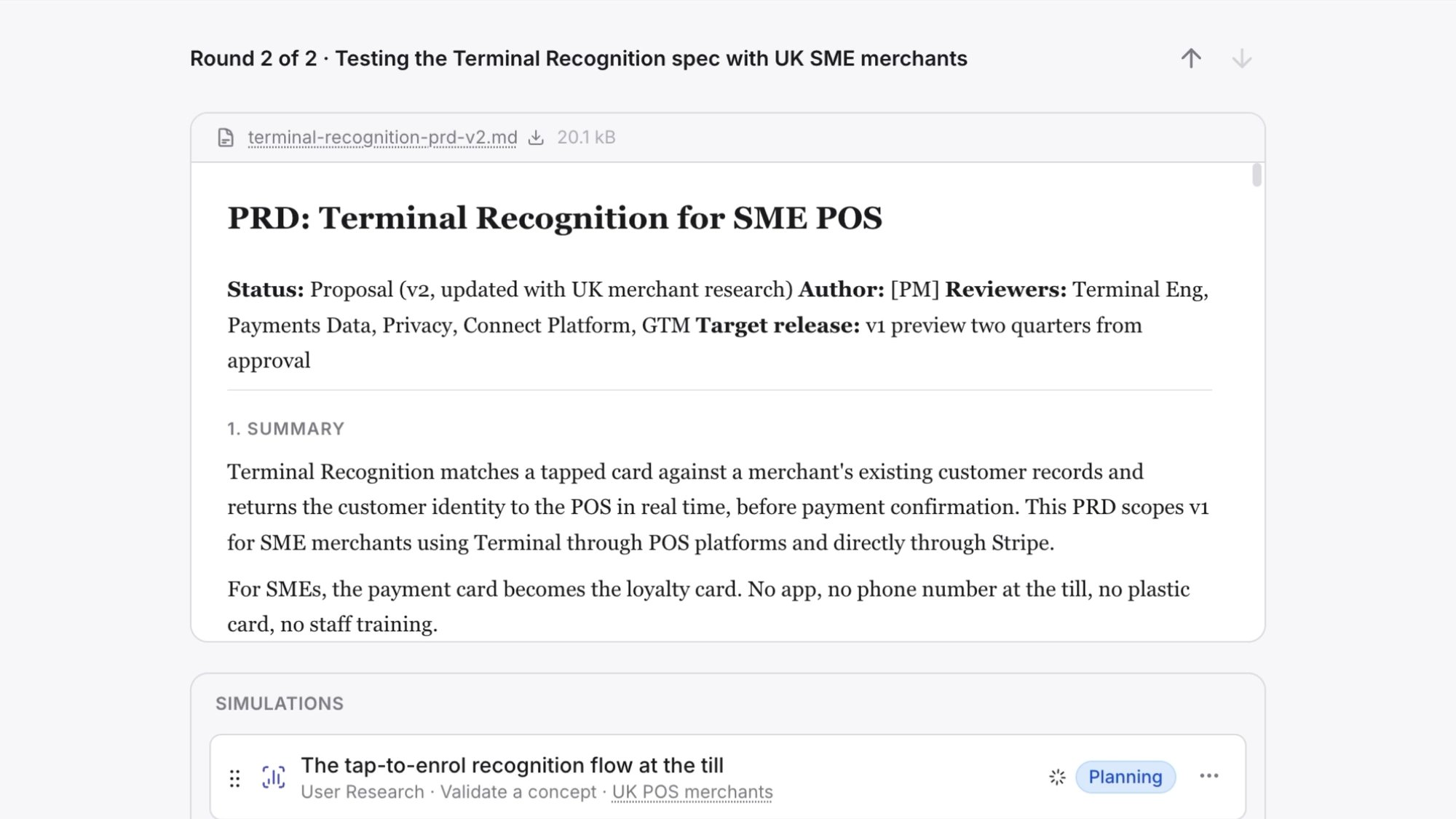
So the loop is short. Bring a version, get the predicted consequences and what to change, apply the findings to v2, and start a new round.
That's the creative, iterative cycle with the future: testing new ideas and new decisions until you find one which is predicted to be a success. Simulations take minutes and cost almost nothing to run, so you can keep going until the version you ship is one you already know works.
Start a project now
Projects is live in the app today. Get started.